

Can a Telegram Channel Admin See My Number?
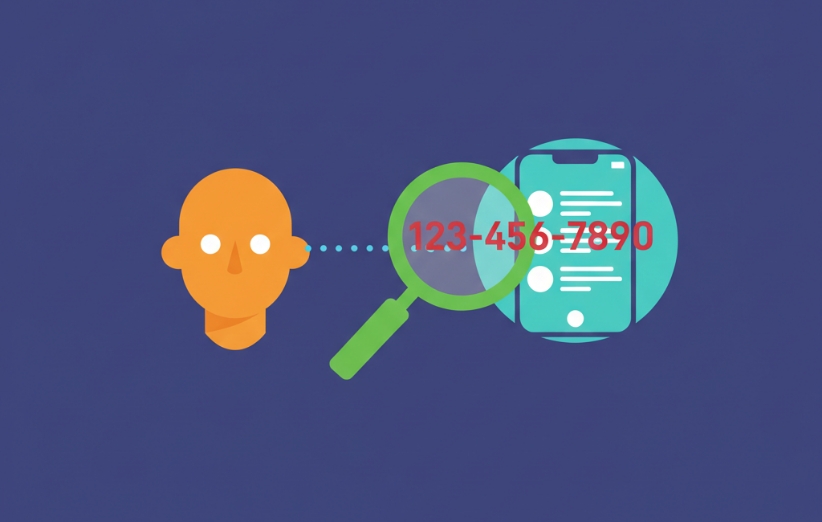
Can a Telegram Channel Admin See My Number? If you’re about to join a channel—or you already joined one and suddenly felt uneasy—this is the right question to ask. Telegram can feel anonymous, but the details depend on where you interact (channel vs group vs private chat) and what you choose to share (username, contact card, direct message). This guide explains the visibility rules clearly, covers real edge cases, and gives practical steps to protect your phone number without turning the topic into paranoia.
Some users research Telegram channel privacy while also exploring Telegram tools and growth resources such as Telegram smm panel. Others encounter “free” utilities like Free Telegram View or engagement features such as Free Telegram Reaction. You may also see subscriber-related pages like Free Telegram Members or promotional claims like Free Premium Member. Regardless of why you’re on Telegram, the same privacy principle applies: understand what is visible by default, and avoid sharing sensitive identifiers unless it’s necessary.
Can a Telegram Channel Admin See My Number?
In normal channel usage, a Telegram channel admin cannot see your phone number just because you join a channel. Channels are designed primarily for one-way broadcasting: admins post, subscribers read. Your phone number is not presented to channel admins as a standard “subscriber detail.” What admins typically see is limited profile-level information such as your name and (if you have one) your username.

How Telegram Channels Work
A Telegram channel is mostly a broadcast space. Subscribers are not meant to “participate” the way they do in groups. This matters for privacy because channels do not usually expose a subscriber list in the same way a group member list can. If you’re still learning how Telegram ecosystems are structured, this overview can help connect the dots: What is the Telegram SMM panel?.
Channels vs Groups vs Private Chats
A lot of confusion comes from mixing these three environments. Privacy behavior differs drastically depending on where you interact. If you want a safe decision rule, treat channels as low-exposure by default, groups as medium-exposure, and private chats as high-exposure (because you directly engage with people).
| Where you interact | Typical visibility | Main privacy risk |
|---|---|---|
| Channel | Mostly one-way; limited subscriber exposure | Accidental interaction outside the channel |
| Group | Members can often see each other | Identity clues via profile and interactions |
| Private chat | Direct 1-to-1 visibility | Social engineering, phishing, contact sharing |
What Channel Admins Can See About Subscribers
Channel admins generally see limited information that helps them manage posts and channel health. In many situations, admins can see basic identity signals like your display name and your username (if you set one). These signals can still identify you in the real world if you reuse a recognizable name or public username across platforms, so “not seeing your number” does not automatically mean “no identification is possible.”
- Display name (whatever name you show on Telegram).
- Username (if you have one).
- Interaction traces if you actively engage through linked discussion spaces or messages.

What Channel Admins Cannot See
In standard channel participation, admins do not get a “phone number list” of subscribers. They also do not automatically get access to your contacts, your private chats, or your device information. If you feel anxious, this is the stabilizing baseline: joining a channel is not the same thing as handing your phone number to the admin.
Do Comments or Reactions Reveal Your Number?
Reactions to channel posts are usually low-risk for phone number exposure. Comments are more nuanced because Telegram channels often connect to a discussion group (or comment thread mechanism). When you comment, you are effectively interacting in a more “group-like” environment where your profile signals can become visible to others. Even then, your number is not automatically revealed; what changes is that your identity footprint becomes easier to map via username and profile context.
Public vs Private Channels
Public channels are discoverable and shareable, while private channels are invite-based. This affects how easily strangers can find the channel, but it does not magically change phone-number visibility rules. A private channel can still contain risky interactions if the admin or members push people into direct messages or ask for contact sharing.
What Happens If You Message a Channel Admin
The moment you move from “subscriber” to “direct chat,” the privacy model changes. In a private chat, the admin becomes a normal Telegram user talking to you one-to-one. Whether they see your number depends on your Telegram privacy settings and whether you share your contact card. If you want a deeper explanation of how message visibility works when bots or operators are involved, this related topic is useful: can telegram bot owner see messages.

How Privacy Settings Influence Number Visibility
Your phone number visibility is primarily controlled by Telegram privacy settings. If your settings restrict who can see your number, that reduces exposure in direct chats. The safest posture for privacy-conscious users is to limit number visibility to “Nobody” (or your contacts only, depending on your needs) and to avoid sharing contact cards with strangers.
Can Admins Identify You Without Your Number?
Yes—sometimes. Phone number visibility is only one layer. If you use a unique username, a recognizable photo, or a consistent display name across social networks, a motivated person may connect the dots. This is why anonymity is not just about hiding your number; it’s also about controlling your profile signals and interaction habits.
Common Myths About Channel Admins and Phone Numbers
Telegram privacy anxiety often spikes because of oversimplified claims like “admins can see everything.” In reality, visibility is contextual. Clearing these myths helps you focus on the few actions that truly increase exposure.
- Myth: Joining a channel shares your phone number with admins.
- Myth: Reacting to posts reveals your number.
- Myth: Admins can view your private chats or contacts.

How to Stay Anonymous in Telegram Channels
If your goal is to minimize exposure, the strategy is simple: reduce identifying signals and avoid moving interactions into direct chats unless necessary. The steps below are practical and do not require advanced security knowledge.
- Set strict phone-number privacy so strangers cannot view it in direct chats.
- Use a neutral display name that does not match your real identity.
- Avoid sharing contact cards to admins or unknown users.
- Be cautious with bots and “verification” prompts inside the channel ecosystem.
Edge Cases to Be Aware Of
Most privacy surprises happen in edge cases—usually when a channel funnels users into bots, external forms, or direct messages. A channel admin cannot magically force your number to appear, but they can persuade you to reveal it. This is where manipulation risk matters, especially if you interact with questionable bots or “reward” flows. If you want a deeper risk map, read can telegram bots be dangerous.
Telegram’s Channel Privacy Model in Plain English
Telegram channels are designed to protect subscribers from unnecessary exposure during normal consumption. Privacy issues typically appear when users expand the interaction surface: commenting in linked discussions, messaging admins directly, or sharing personal details under pressure. If you keep channel interaction “read-only” and avoid contact sharing, phone-number exposure is unlikely.
Final Verdict: Are You Anonymous to Channel Admins?
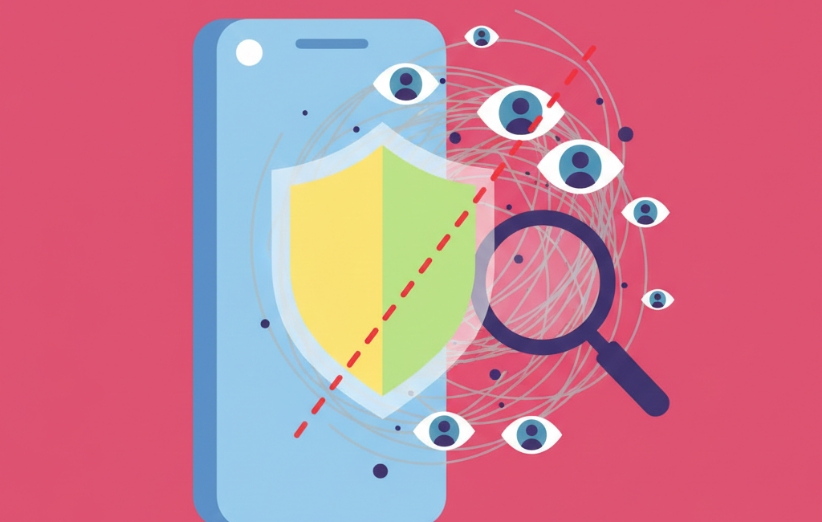
For most users, a Telegram channel admin cannot see your phone number simply because you joined the channel. Your number becomes visible only through direct chat settings or explicit sharing actions (like sending a contact card). The bigger risk is not automatic exposure—it’s human-driven exposure through DMs, bots, or social engineering. If you ever end up in spammy funnels or suspicious behavior patterns, platform enforcement can also become relevant; this related topic explains that angle: can telegram block your account.
For official, platform-level guidance on Telegram privacy controls and phone-number visibility, you can review Telegram’s documentation here: Telegram FAQ.
FAQ
Can Telegram channel admins see my phone number? No, not just from you joining a channel. Your number is not shown to admins by default.
Does joining a channel reveal my number? No. Joining a channel does not automatically reveal your phone number to the admin.
Can admins see my number if I comment on posts? Commenting may expose your profile signals more widely, but it does not automatically reveal your phone number.
Are private channels safer for anonymity? They can reduce discoverability, but anonymity still depends on your profile signals and whether you share personal data.
Can channel admins track subscribers? They may see limited interaction signals, but they do not receive a phone-number list of subscribers.
How do I hide my phone number on Telegram? Use Telegram privacy settings to restrict phone-number visibility, and avoid sharing your contact card.
- Free Telegram View
- Free Telegram Reaction
- Free Telegram Story Views
- Buy Telegram Views
- Buy Telegram Members
- Buy Telegram Targeted Members
- Buy Telegram Bot Start
- Buy Telegram Boost
- Buy Telegram Story Views
- Buy Telegram Emoji Reactions
- Buy Telegram Comments
- Buy Telegram Stars
- Buy Telegram Referrals Start
- Buy Telegram Promotion
- Buy Telegram Post Shares
- Buy Telegram Poll Votes
- Buy Telegram Mini App Start
- buy telegram gifts
- Buy Telegram Bulk Message
- Buy Telegram Accounts
- Buy Aged Telegram Channels, Groups