EASY TO USE

How it Works

Create your account, add funds, place an order, and follow everything from one clear dashboard.

01

Create an Account

  • Create your free account from the Sign Up page, or open it directly here.
  • Use a valid email address and accurate details so you can receive important account and order updates.
tgpanel.org/signup
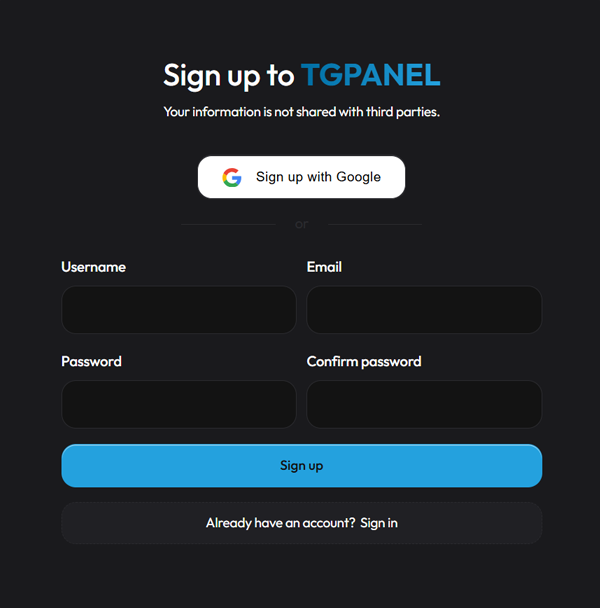
Create a TGPanel account
02

How to Sign in

Enter the username and password you selected during registration, then choose Sign In to open your dashboard.

tgpanel.org
Sign in to TGPanel
03

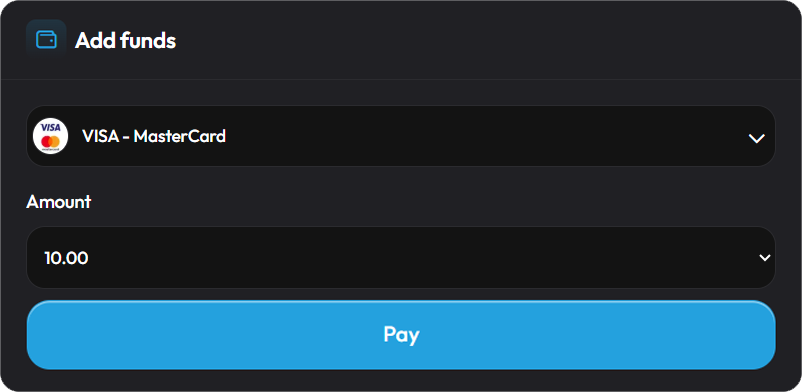
Add Funds

  • Open the Add Funds page and add balance before placing your first order.
  • Choose the payment method that suits you. If the option you need is unavailable, contact support through a ticket.
TGPanel payment methods
tgpanel.org/add-funds
Add funds to TGPanel
04

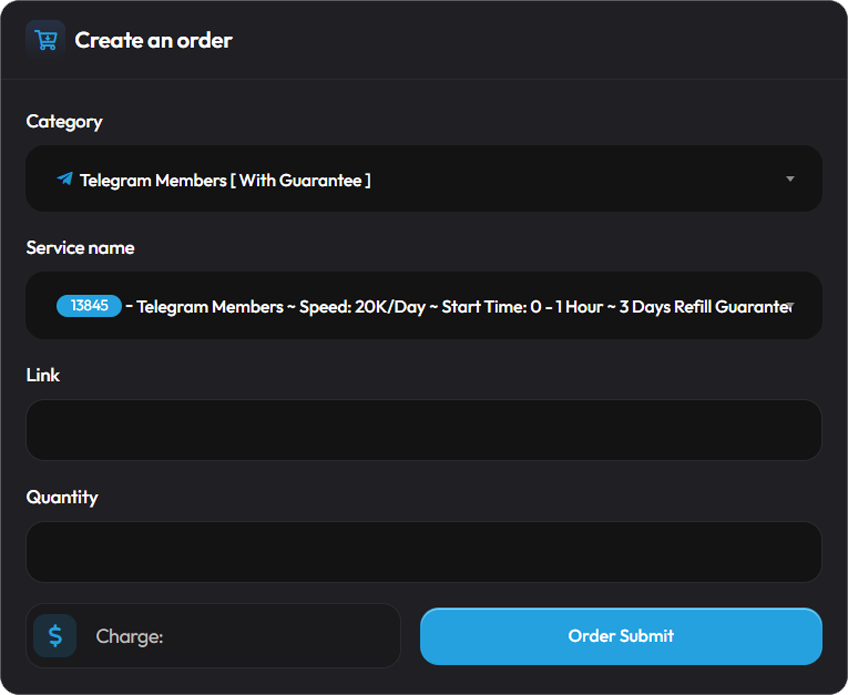
How to Order

  • Choose a category and service, paste the correct public link, enter the quantity, review the calculated price, and submit your order.
  • Open Orders at any time to follow the current status and review your previous orders.
tgpanel.org/new-order
Place an order on TGPanel
05

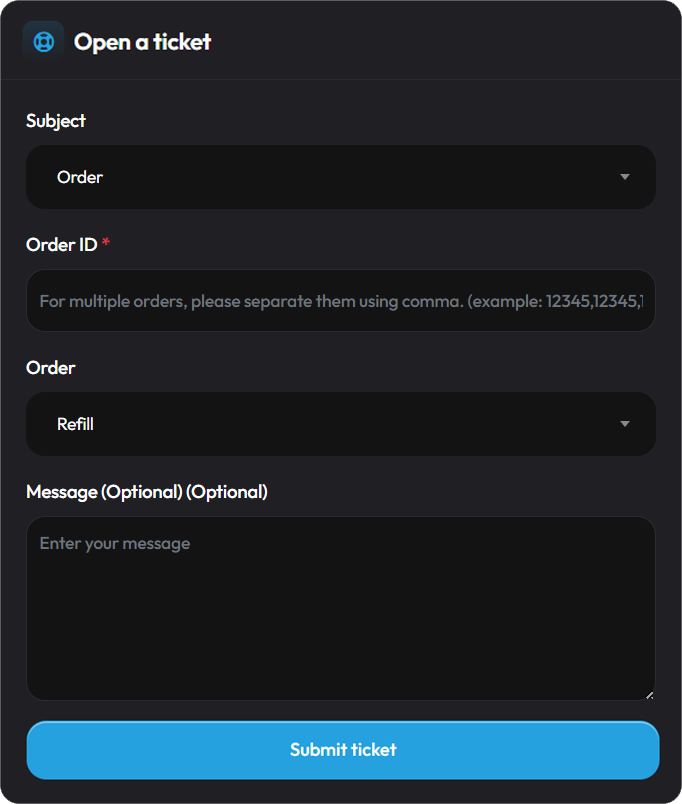
How to Get Support

  • For help with an order or any account question, open Tickets and create a new support request.
  • You can follow the ticket status and reply from the same page whenever our support team responds.
tgpanel.org/tickets
Get support through TGPanel tickets
Services
Sign up
Sign in